Close-up overhead shot of a PNG file icon mid-transition on a bright white desktop workspace, a progress bar beneath it partially filled, clean studio lighting with high contrast, tight crop showing filename and file size label
/ The full process

Three steps. One file. Nothing extra.

Drop your PNG, adjust quality if you want, download the JPG. That is the entire process — no account, no wait, no hidden step.
Overhead close-up of a desktop upload zone with a PNG file being dragged onto it, dashed border visible, bright daylight, tight crop showing file name and icon mid-drop
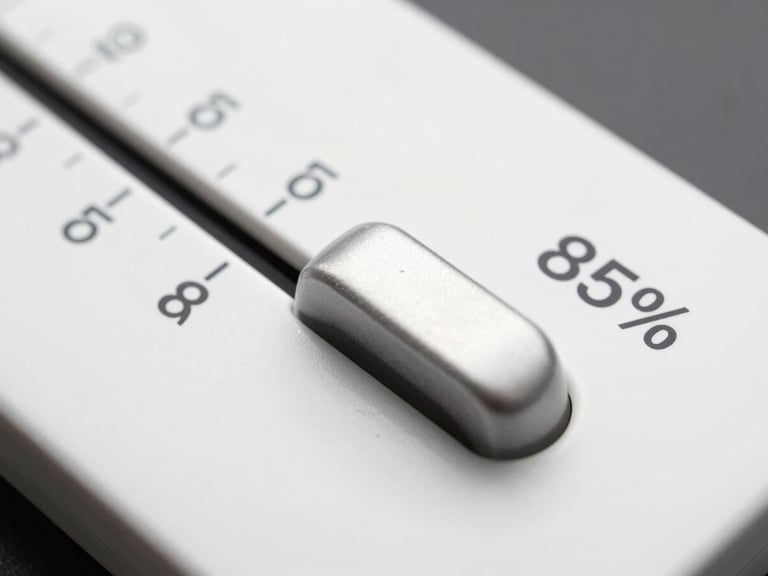
Close-up of a quality slider UI element on a clean white interface, slider handle positioned at 85%, crisp studio lighting, tight crop showing numeric value and label
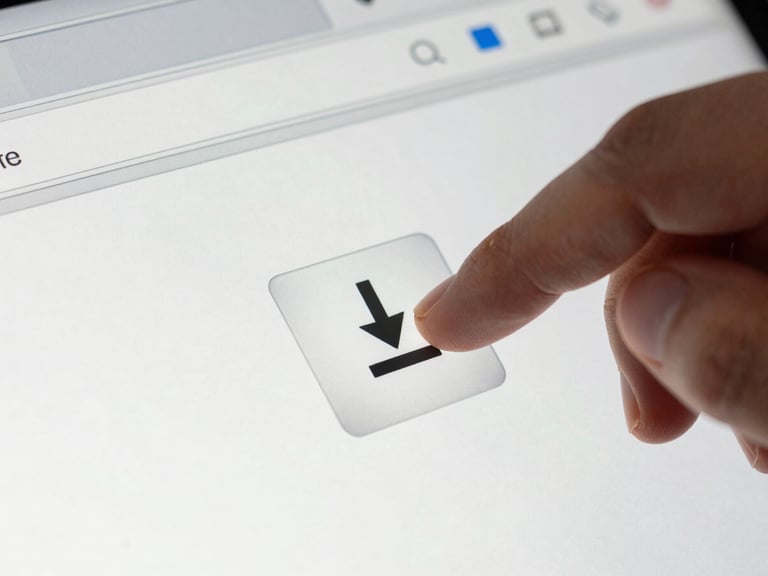
Close-up of a download button being clicked on a browser interface, JPG file icon visible beside it with file size shown, clean bright studio lighting, tight crop of the action moment
• Step one

Drop your PNG file

Drag the file onto the upload zone or click to browse. Any PNG works — transparent backgrounds, large dimensions, any bit depth.

• Step two

Set quality — or skip it

The default quality setting works for most files. Move the slider only if you need a smaller size or a specific output. Either way, one click is all it takes.

• Step three

Download your JPG

Your converted file is ready instantly. Click download and it goes straight to your device — smaller file, same visual result.

— Your file stays local

Conversion runs entirely in your browser.

No file is sent to a server. No data is stored. The moment you close the tab, nothing remains. What you convert is yours alone.

Ready when your file is.

No setup. No account. Go straight to the converter and have your JPG in under 30 seconds.